Template
Stack template
The photo on the top half, a black panel on the bottom half with a condensed headline, and your page handle centred at the foot.
or drop a photo here, or paste one
Photos
Recent designs
Your last 12 designs, kept only in this browser. Tap one to reuse its template, photos and settings.
Photo 1
Photo 2
Photo 3
Drag the photo in the preview to move it. Pinch, scroll or use Zoom to enlarge it. Double-tap to reset.
Text
0/200
Highlight: tap the words that go in the box
Your words appear here after you type a headline.
Headline size goes up only while the text still fits its area. Box size changes the box behind the highlighted words.
Template
Style
Highlight colour
Background
Font
Logo (optional, PNG with transparency)
Brand kit
Your page handle, logo, highlight colour, box size, font, mark setting and last template and size are kept in this browser, so they are set the next time you open the tool. Export them to use on another device or to share with a co-admin.
Made in your browser. Your photos are never uploaded.
Examples
The example post in all three sizes
Made with this template from one photo and one headline. Each size is drawn from its own layout, not cropped from another.
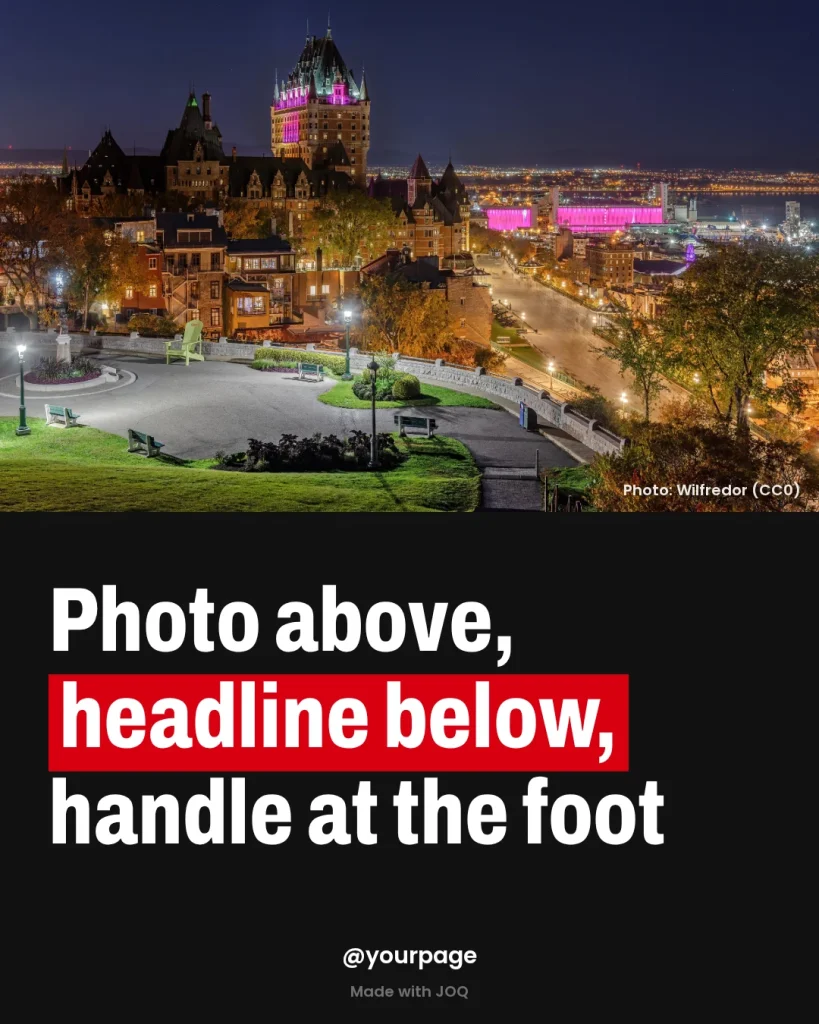
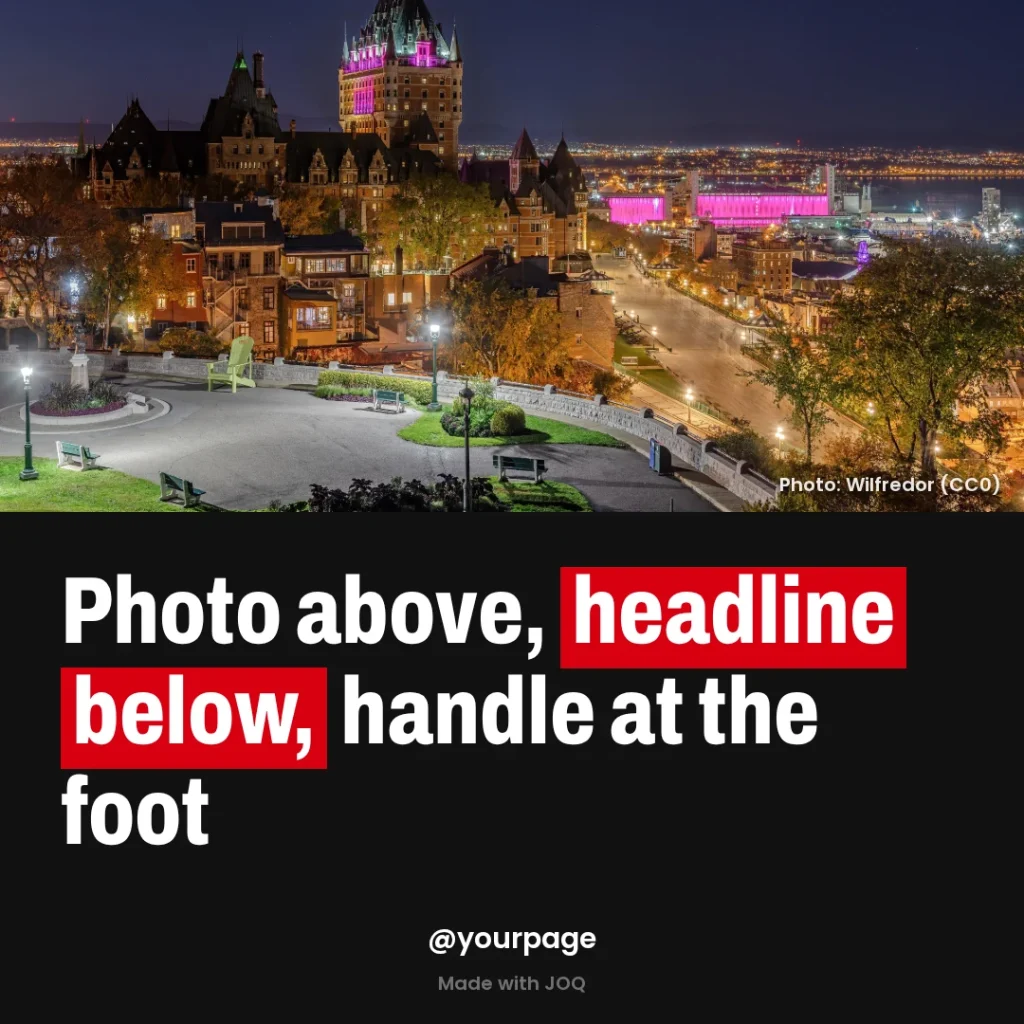
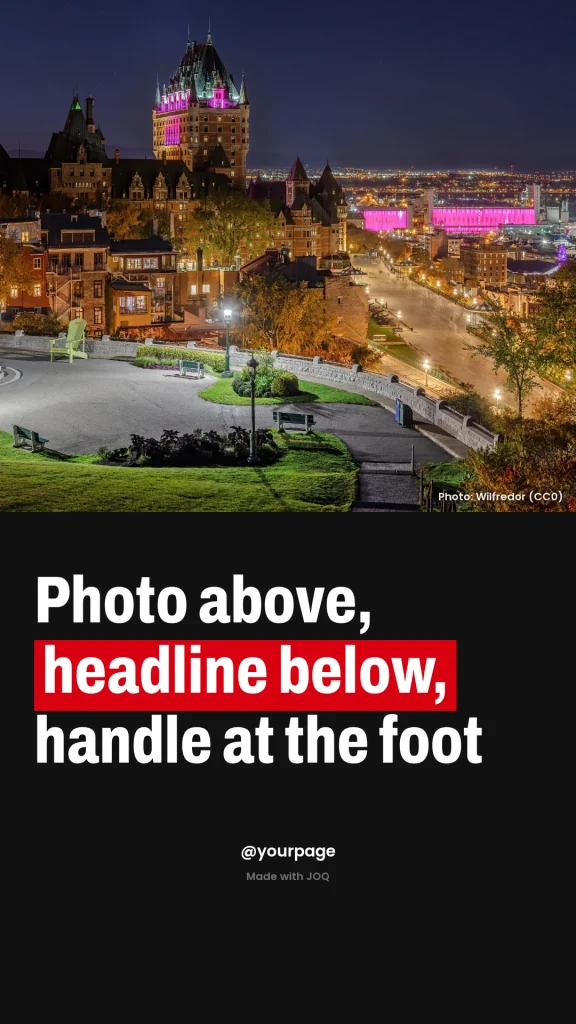
Photo: Wilfredor (CC0), Wikimedia Commons
Fit
What it suits and where it falls short
You type
Photo above, headline below, handle at the foot
Best for: Everyday news posts that carry the page’s name on every image.
Works well for
- Daily posts from a local page
- Sports updates
- Entertainment news
- Posts that get shared as screenshots
Watch out for
- The photo gets only half the post, so pick one whose subject sits in the middle.
- The handle sits at the bottom centre; leave it empty and the space stays clean.
- At 4:5, headlines up to about 47 characters are set at full size; 200 characters take 6 lines of condensed type.
Templates
Other templates
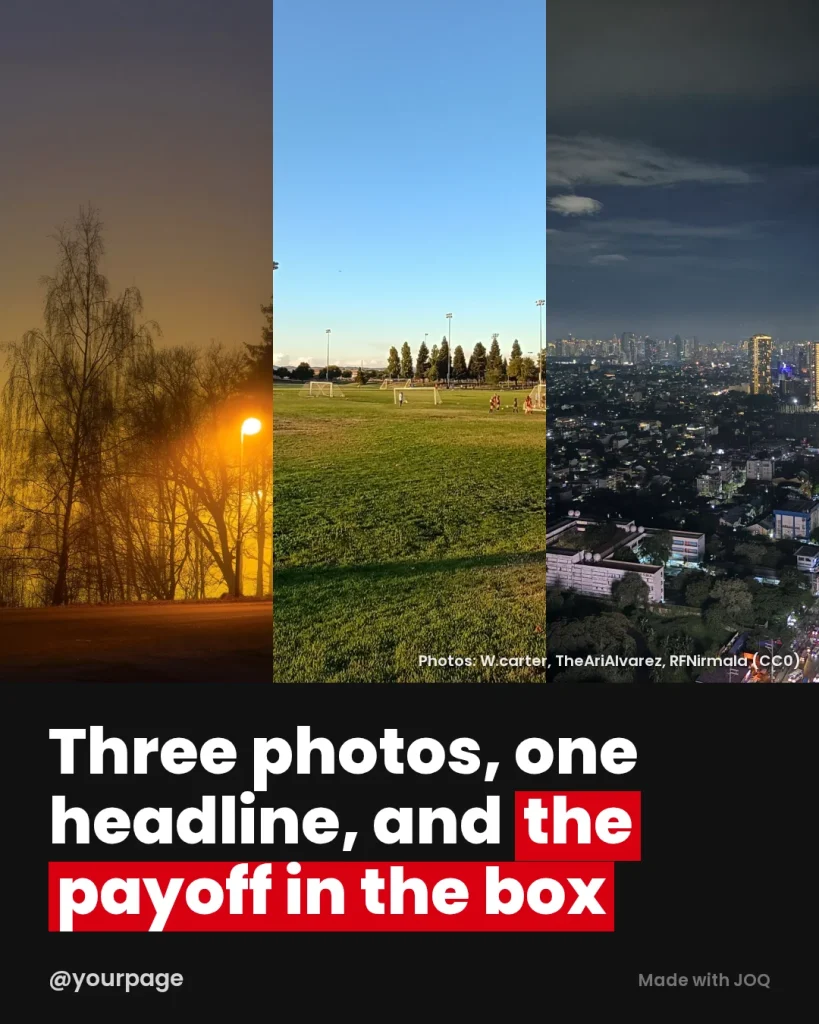
Split
Stories with three people, three places or three moments that belong together.
Photos needed: 3
Make a post with it: Split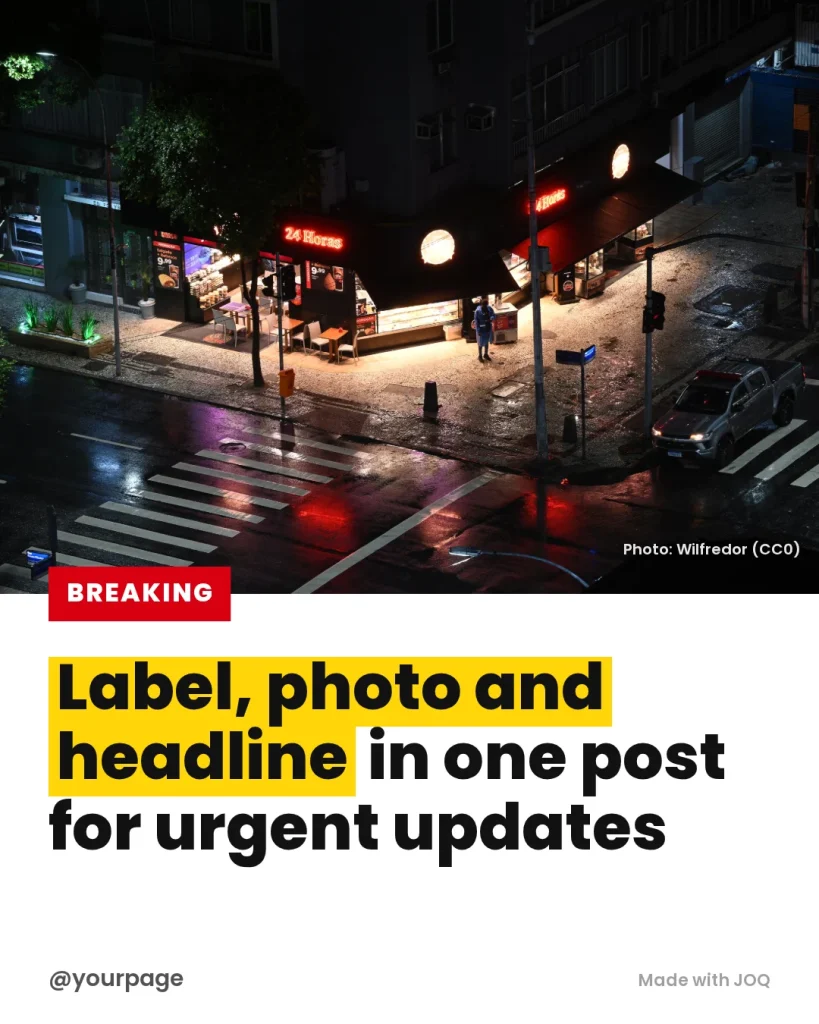
Breaking
Urgent updates that need a label the reader sees first.
Photos needed: 1
Make a post with it: Breaking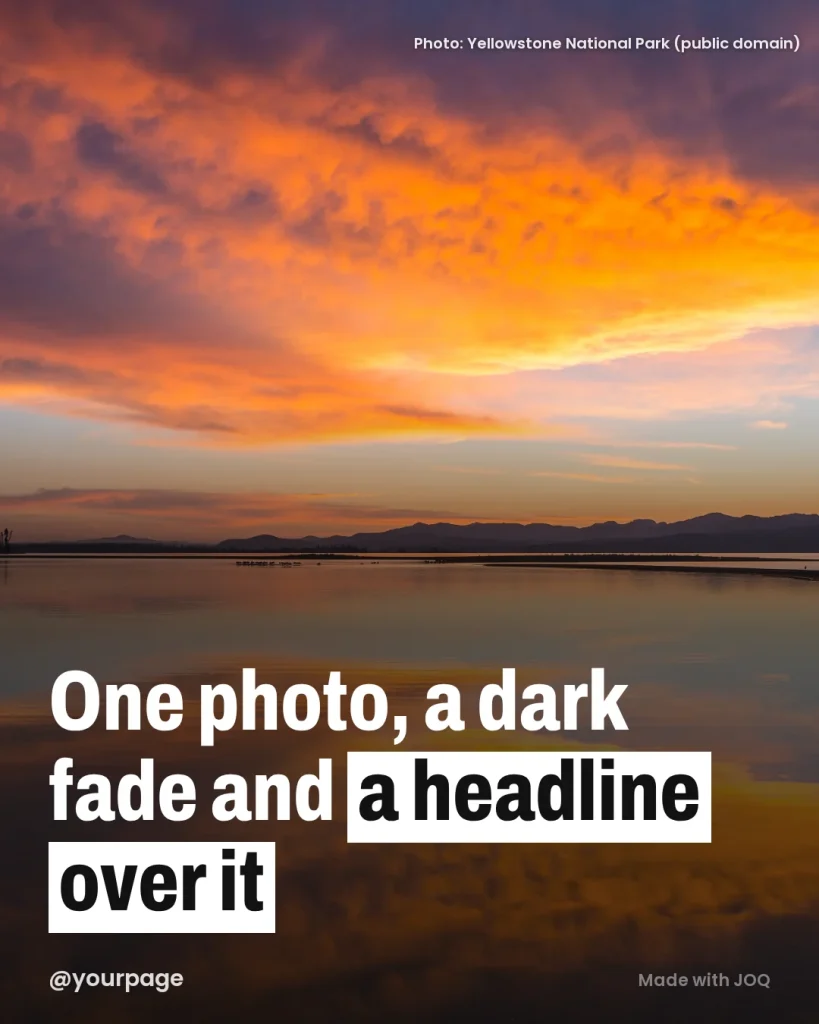
Overlay
Strong single photos where the picture carries the story.
Photos needed: 1
Make a post with it: Overlay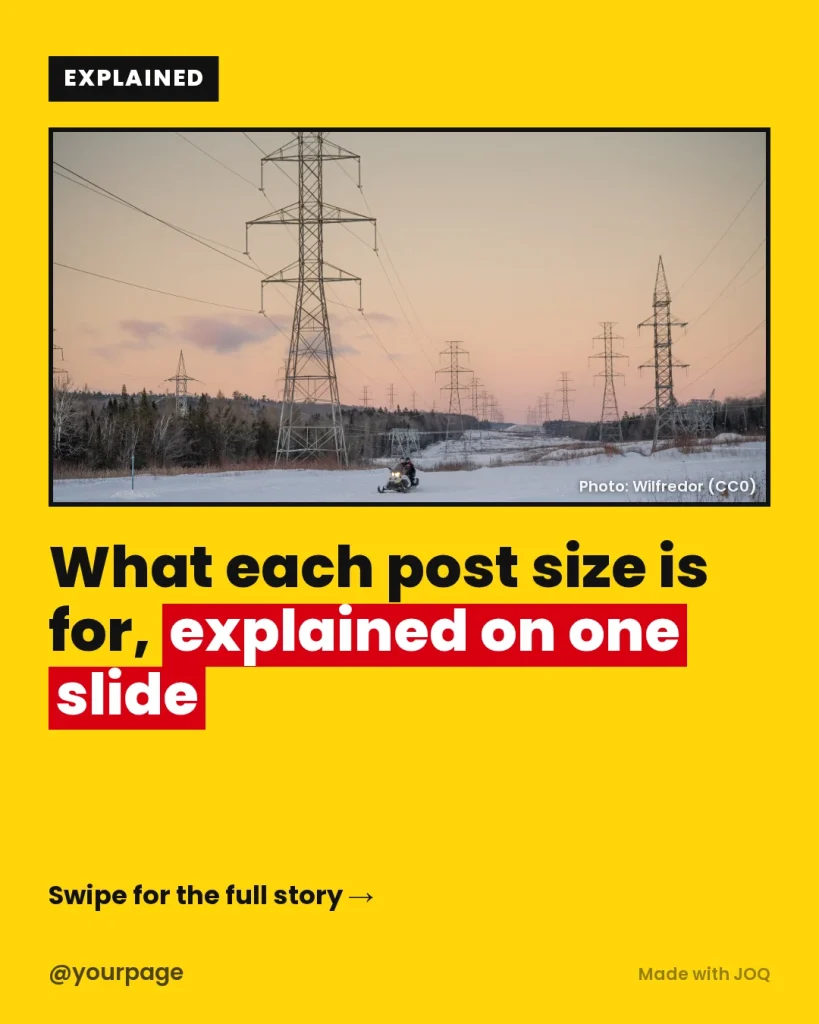
Explainer
The first slide of a carousel that explains a topic.
Photos needed: 1
Make a post with it: Explainer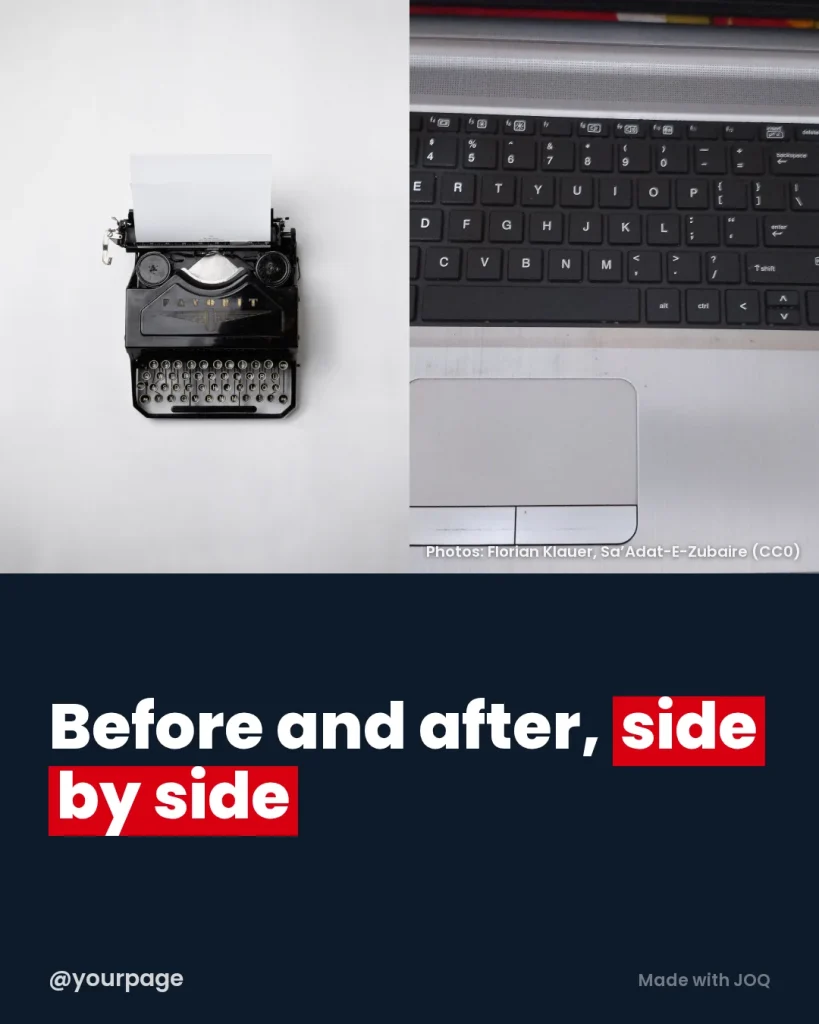
Duo
Comparisons: before and after, then and now, one person against another.
Photos needed: 2
Make a post with it: Duo

Fact
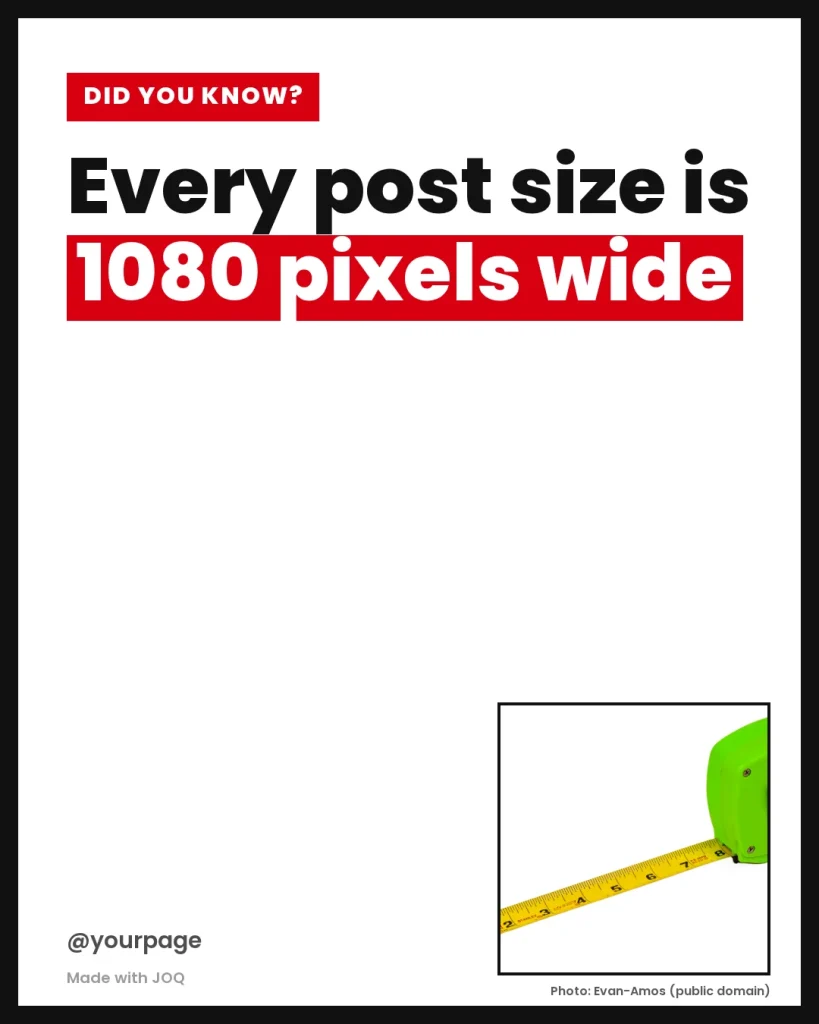
One fact where the words matter more than the picture.
Photos needed: 1
Make a post with it: Fact